

Custom Applications
When off-the-shelf software doesn’t flow, custom Power Apps fill the gaps with tools designed around how your business works.
What are they?
Custom applications are software tools built specifically to support a business’s internal processes, data, and workflows. Unlike off-the-shelf systems, they are designed around how a team actually works—capturing the right data, guiding users through consistent steps, and reducing reliance on spreadsheets, emails, and manual tracking. Our teams use Power Apps and a suite of other Microsoft tools to build what you need.
Power Apps is often used to modernize everyday business processes that are currently managed through spreadsheets, email chains, or disconnected tools.
Internal Requests & Approvals
Centralize requests for purchases, access, equipment, and exceptions with structured forms and clear approval paths.Data Collection & Tracking
Replace manual spreadsheets with consistent data entry, validation, and real-time visibility.Sales & Customer Intake
Capture leads, requests, and customer updates in simple applications that integrate with existing systems.Finance & HR Processes
Streamline expense submissions, onboarding tasks, time-off requests, and compliance tracking.Project & Work Management
Manage project intake, priorities, and change requests without relying on shared files.
A business process is often a strong candidate for Power Apps when it involves repeatable steps, multiple participants, and structured data. If the process currently relies on spreadsheets, email threads, or manual handoffs—and requires visibility, approvals, or consistency—Power Apps can provide a more reliable and scalable solution without the complexity of traditional custom software.
Why Power Apps?
Power apps is a powerful tool provided by Microsoft that allows our teams to lower the cost of developing custom applications in a secure, functional, and efficient manner.
It is a low-code application platform that makes building these custom tools faster and more flexible. It allows organizations to create secure, web and mobile applications that connect directly to existing systems like SharePoint, Excel, SQL, and Microsoft 365—without the cost and complexity of traditional custom software development.
Using Power Apps, we are able to deliver a functional solution in a fraction of the time and cost that allows your teams to get started sooner, without breaking the bank.
1. Streamlining Everyday Work
Custom applications replace spreadsheets and email chains with structured, guided processes.
Teams complete tasks faster with fewer errors and less back-and-forth.
2. Standardizing Processes Across Teams
Power Apps enforce consistent steps, data entry, and approvals.
Everyone follows the same process, regardless of department or location.
3. Capturing Better Data at the Source
Forms and validations ensure accurate, complete information from the start.
Clean data flows directly into reports, automations, and downstream systems.
Business intelligence shows up everywhere across an organization. Here’s how companies typically put it to work:
How businesses use Power Apps
4. Connecting Systems Seamlessly
Power Apps integrate with Microsoft 365, SharePoint, SQL, and other tools.
Data flows automatically between systems, reducing duplication and errors.
5. Improving Collaboration & Communication
Teams can share updates, track approvals, and see progress in real time.
Everyone stays aligned without endless email threads or separate spreadsheets.
6. Adapting Quickly to Change
Processes and apps can be updated rapidly as business needs evolve.
Businesses stay agile without waiting for traditional software development cycles.
How do we help?
Our partners work with us for faster reporting, reliable numbers, and fewer manual processes. We specialize in utilizing a modern suite of applications to build the best solution for your business.
Automated Data Pipelines
Automated data pipelines that eliminate manual file handling
Seamless integrations with your CRMs, ERPs, databases, and SaaS tools
Scheduled or event-based data refreshes so your dashboards always stay current
Scalable processing that handles large data volumes without slowing down
Error-handling and monitoring to ensure reliable data movement
SQL Server & Data Warehousing
Structured, centralized storage that organizes all your business data
Cleansed, validated data models designed for speed and accuracy
Complex queries optimized for performance and reporting
Historical tracking for trend analysis and forecasting
Secure environments with role-based access and strong data governance
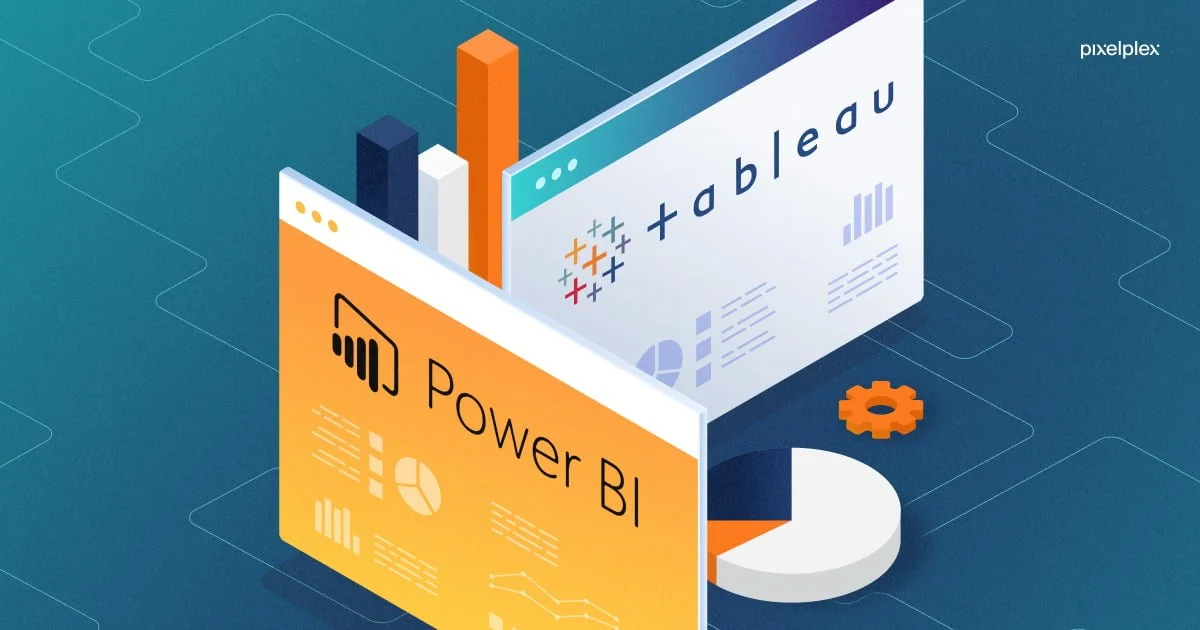
Power BI & Tableau Dashboards
Interactive dashboards that bring your KPIs to life
Real-time visibility into performance across teams and systems
Drill-down analytics to uncover root causes—not just surface numbers
Custom visuals and layouts built around the way you work
Secure, shareable insights accessible from anywhere
Application Integrations
Connect Power Apps, internal tools, and third-party platforms
Streamline workflows by embedding analytics directly into daily operations
Reduce switching between systems with unified user experiences
Enable action directly from insights (not just viewing a dashboard)
Professional, custom-branded applications
Contact us
Take the first step toward clarity. Fill out the form and we will be in touch. We look forward to helping you drive your business forward.